
How to Organize Cables and Chargers Neatly for a Clutter-Free Space
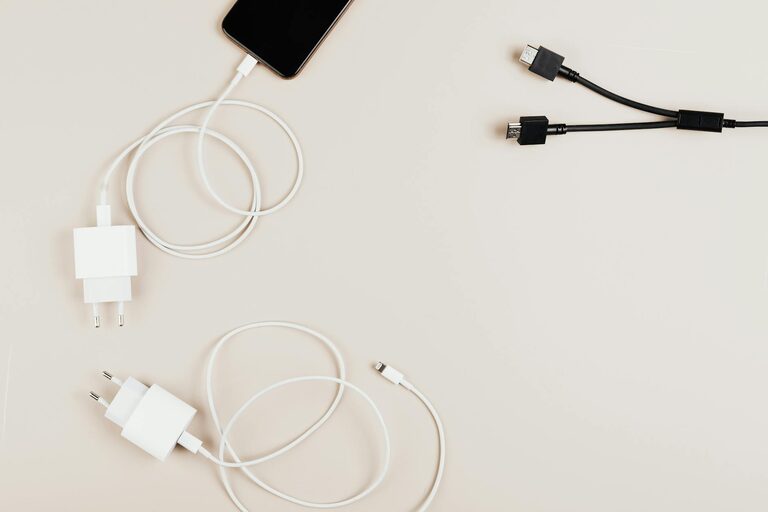
Keeping cables and chargers organized can seem like a never-ending battle. Whether it’s your phone charger, laptop cables, or various adapters, a tangled mess can create frustration and clutter. The good news is that with a few easy strategies, you can keep your cables neat, accessible, and ensure your space looks tidy.
In this post, we’ll explore practical tips and ideas on how to organize cables and chargers efficiently.
Why Organizing Cables Matters
Before diving into methods, let’s consider why organizing cables is important:
– Reduces clutter: Messy cables can make any space look disorganized.
– Saves time: You won’t need to untangle cables or search for the right charger.
– Prevents damage: Tangled cables can fray or break faster.
– Increases safety: Reducing cable clutter lowers trip hazards and overheating risks.
Assess Your Cable and Charger Collection
Start by gathering all your cables and chargers in one place. This gives you a clear view of what you have. While doing this:
– Sort cables by type (USB, HDMI, power, etc.).
– Group chargers with their matching devices.
– Identify duplicates, broken items, or cables you no longer need to declutter.
Choose the Right Storage Solutions
Having the proper tools to store cables makes organization simpler. Here are popular options:
Cable Organizers and Holders
– Cable clips: Stick-on clips hold cables in place on your desk or wall.
– Cable boxes: Enclosed boxes hide power strips and excess cables neatly.
– Cord reels: Wind cables around reels to prevent tangling.
– Velcro straps or twist ties: Keep individual cables coiled and secured.
Drawer and Container Organizers
– Use small bins or drawer dividers to separate cables by type.
– Label containers for quick identification.
– Consider clear pouches if you need to carry cables on the go.
DIY Storage Ideas
– Use binder clips to hold cables on a desk edge.
– Repurpose empty toilet paper rolls to store cables vertically.
– Use a pegboard with hooks for hanging chargers.
Tips for Keeping Cables Tangle-Free
Neat storage is vital, but how you handle cables daily makes a difference too. Try these habits:
– Coil cables properly: Wrap cables in loops without twisting to avoid damage.
– Use color-coded labels or tags: This helps quickly spot the right cable.
– Designate charging stations: Keep chargers in a specific spot to reduce scattered cables.
– Unplug and coil after use: Instead of leaving cables connected, tidy them after charging.
Organizing Cables Behind Desks and Entertainment Centers
Cables behind desks or TV units tend to get messy easily. Here’s how to manage these hidden cables:
– Use cable sleeves: Bundle multiple cables together for a cleaner look.
– Install cable raceways: These channels attach to walls or desk undersides to hide cables.
– Mount power strips: Fixed power strips keep plugs off the floor and better managed.
– Secure cables with zip ties: Keep cables bundled tightly but avoid over-tightening to prevent damage.
Tech-Friendly Charging Stations
A central charging station saves both space and time. Consider these ideas:
– Use a multi-port USB charger to reduce the number of power adapters.
– Place wireless charging pads for compatible devices.
– Use labeled drawers or compartments nearby to hold devices while charging.
– Make a habit of cleaning and organizing this area weekly to keep it functional.
Maintenance: Keeping Your Cable Organization System Effective
Once you have your cables in order, regular maintenance helps maintain a neat setup:
– Schedule monthly cable reviews to discard old or unused items.
– Update labels if devices or cables change.
– Clean charging areas to avoid dust buildup.
Final Thoughts
Organizing cables and chargers doesn’t have to be overwhelming. With clear sorting, the right storage solutions, and mindful habits, you can create a clutter-free environment where your cables are easy to find and use. Take small steps, personalize your system, and enjoy a tidier tech space!
Feel free to share your cable organization tips or questions in the comments below!